

Language Hierarchy
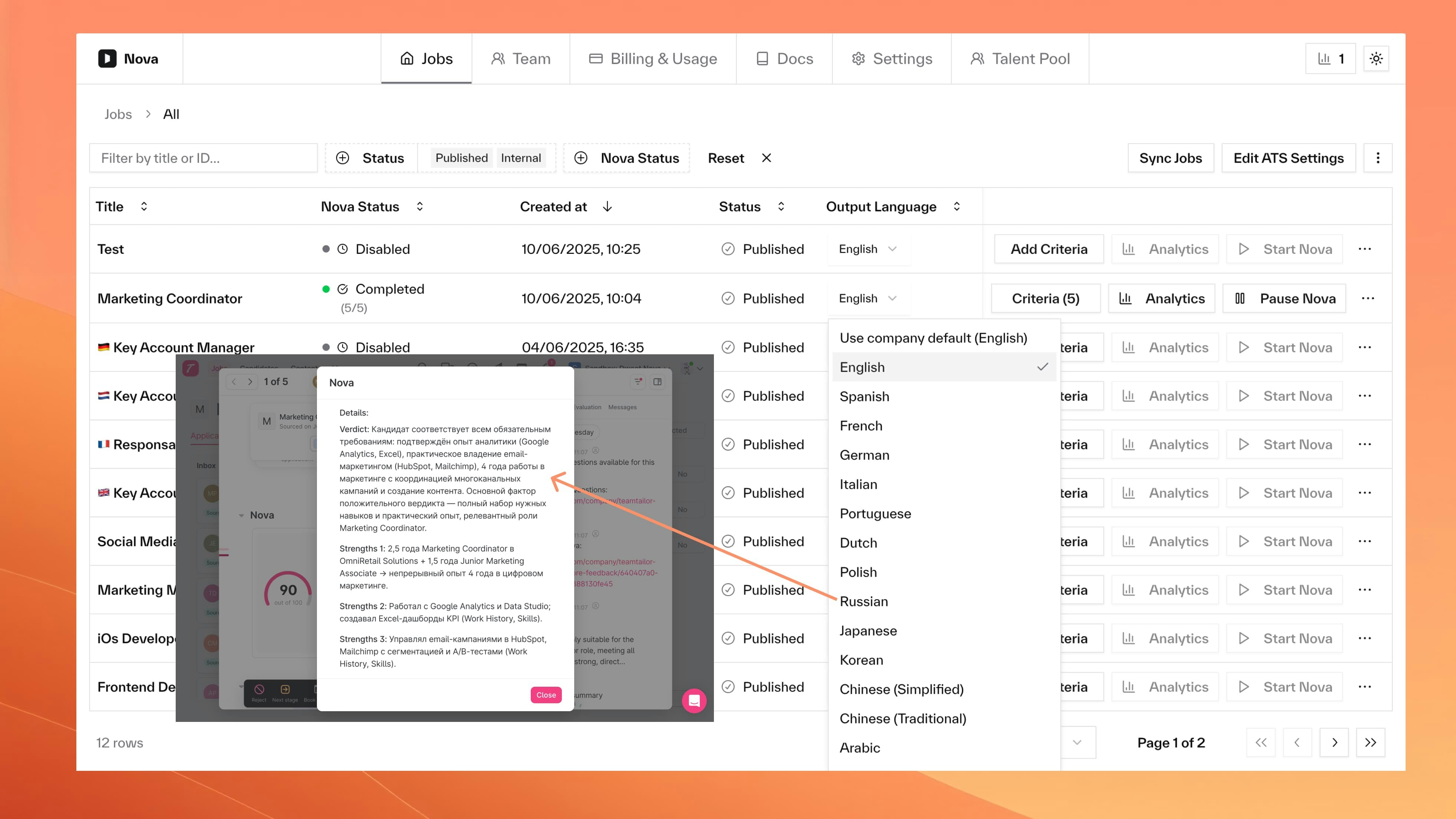
Nova uses this hierarchy to determine output language:- Job-specific language (if set)
- Company default (fallback)
- English (final fallback)
Configuration
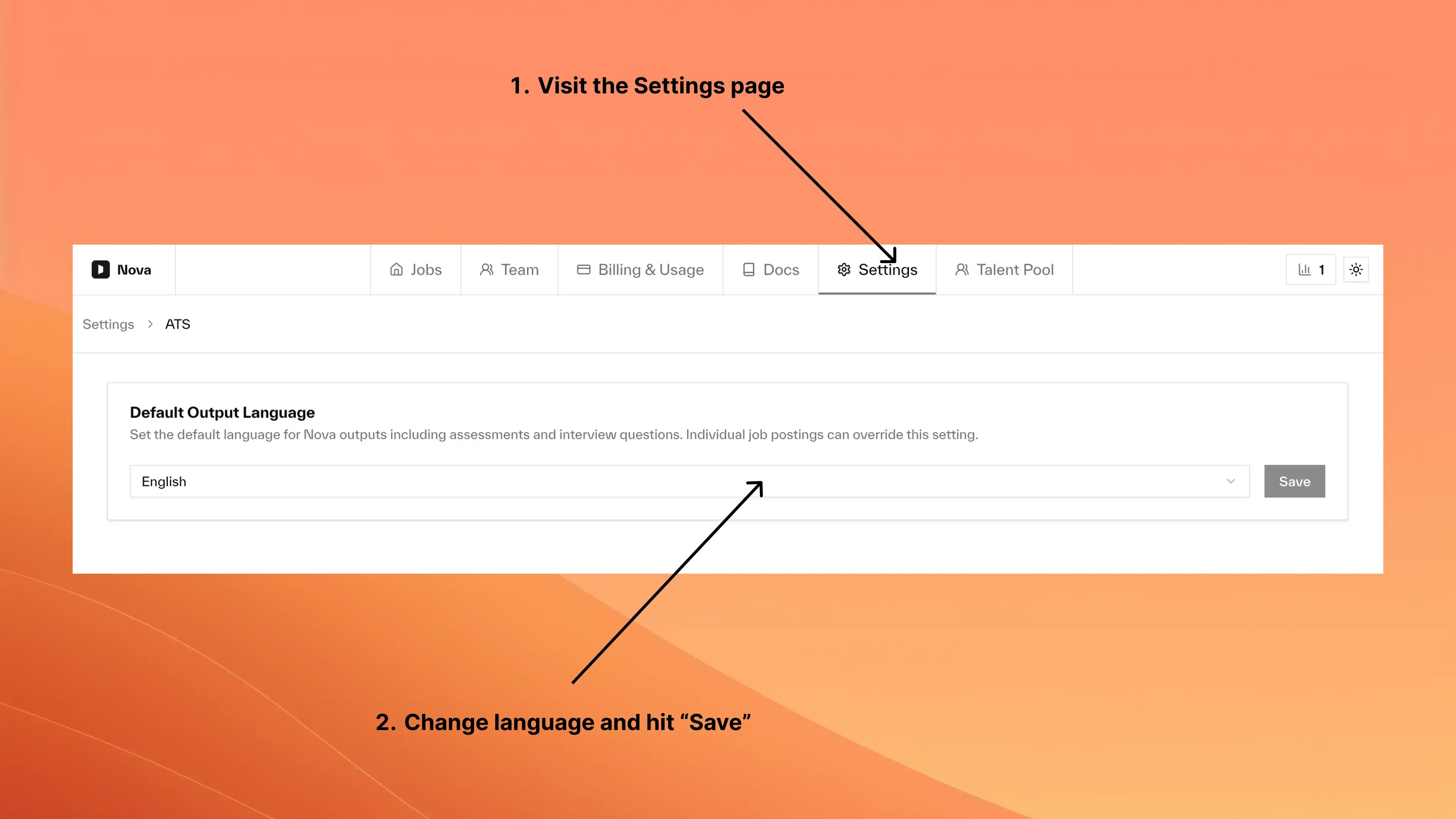
- Company Default
- Job Override
Supported Languages
- European
- Asian
- English
- Spanish
- French
- German
- Italian
- Portuguese
- Dutch
- Polish
- Swedish
- Norwegian
- Danish
- Finnish
- Russian
Behavior
| Scenario | Result |
|---|---|
| Job language set | Uses job language |
| Job language cleared | Falls back to company default |
| No company default set | Falls back to English |
| Language changed mid-job | New scores use new language, existing scores unchanged |
Common Questions
Can I change language for existing jobs?
Can I change language for existing jobs?
Yes. Changes apply immediately to new Nova outputs. Existing scores and interview questions remain in their original language.
What happens to scores when I change language?
What happens to scores when I change language?
Previously scored candidates keep their original scores in the original language. Only newly scored candidates receive assessments in the new language.
Do settings affect candidate processing?
Do settings affect candidate processing?
No. Settings only control Nova’s output language, not how resumes are processed. Nova can process resumes in any language regardless of output language settings.
Can candidates see assessments in their own language?
Can candidates see assessments in their own language?
No. Output language controls internal assessments and interview questions visible to your hiring team, not candidate-facing content.